
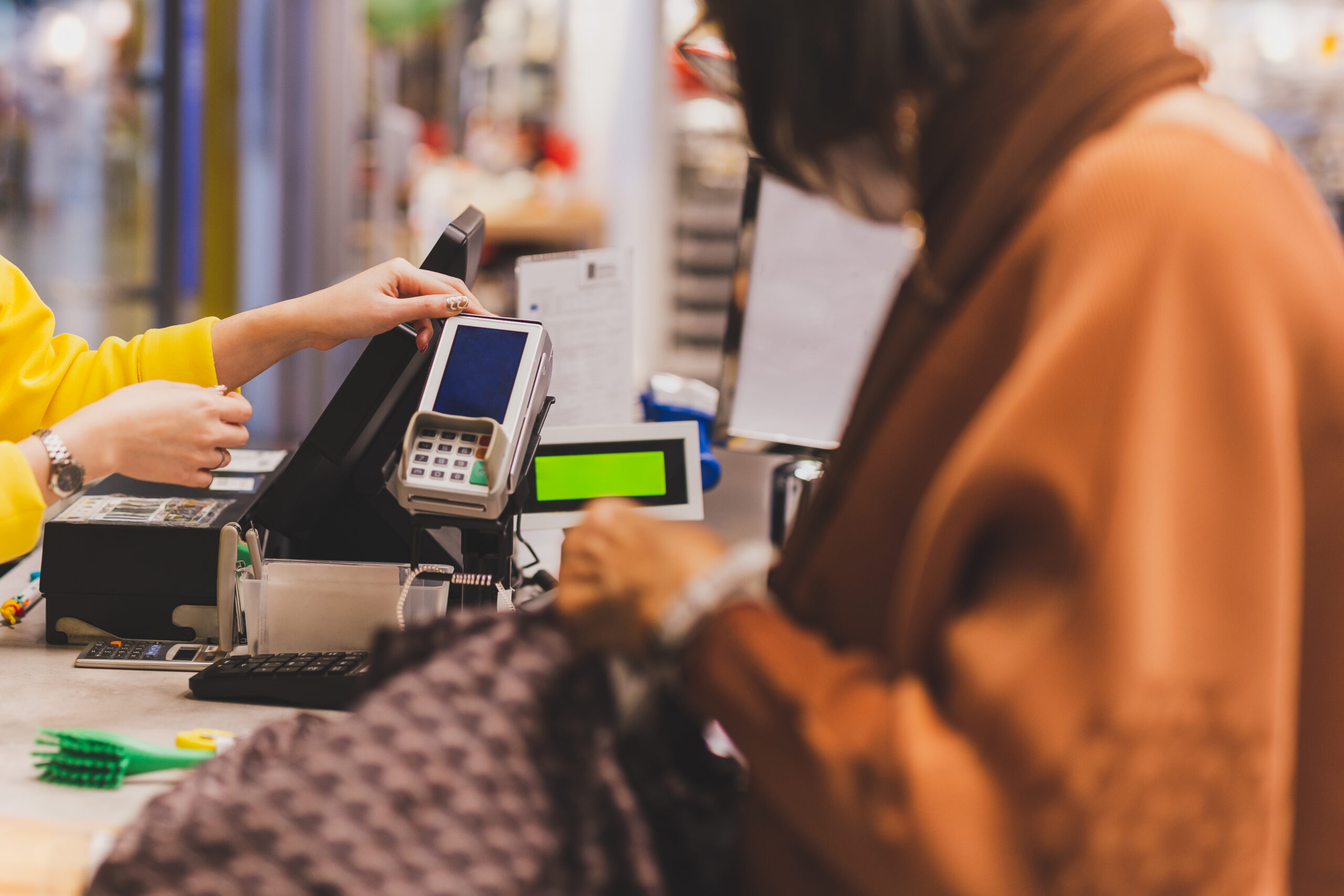
Your POS system should be one of the most reliable tools in your store. It should speed up checkout, simplify inventory, and give you clear insight into how your business is performing.
But for many grocery stores, the POS quietly becomes a bottleneck.
If your system feels more like an obstacle than an asset, here are seven clear signs your POS is slowing down your store instead of helping it grow.
7 Signs Your POS Is Slowing Down Your Store (Not Helping It)
1. Lines Back Up During Busy Hours
Busy times should mean more revenue, not more frustration.
If long lines happen because your POS:
- Freezes or lags
- Takes too many steps to complete a sale
- Struggles with barcode scans
- Requires frequent overrides
then the system, not your staff, is the problem.
Slow checkout directly impacts customer experience and lost sales, especially when shoppers are in a hurry.
2. Employees Need Constant Help at the Register
A good POS should be intuitive enough that new hires can learn it quickly.
If you’re constantly:
- Answering basic POS questions
- Fixing mistakes at the register
- Training around system limitations
your POS is creating unnecessary friction. Complex or outdated interfaces slow employees down and increase errors, especially during peak hours.
3. Inventory Is Never Quite Right
In grocery, inventory accuracy is everything.
If you’re dealing with:
- Unexpected out-of-stocks
- Overstocked slow-moving items
- Manual inventory counts
- Separate spreadsheets to “double check” your POS
your system isn’t keeping up with real-time sales.
A modern POS should automatically update inventory as items sell and give you confidence in the numbers.
4. Simple Changes Take Too Long
Prices change. Items rotate. Vendors come and go.
If updating your POS requires:
- Calling support for basic edits
- Navigating confusing menus
- Waiting hours or days for changes
that’s time taken away from running your store.
Your POS should make changes easy, not turn them into a project.
5. Reporting Doesn’t Tell You What’s Really Happening
Your POS should help you make better decisions.
If reports are:
- Hard to find
- Difficult to understand
- Missing key insights
- Something you rarely look at
then your POS isn’t doing its job.
You should be able to quickly answer:
- What’s selling best?
- What’s not moving?
- What margins actually look like?
- Where you’re losing money
6. Your POS Doesn’t Work Well With Other Tools
Most grocery stores rely on more than just a register.
If your POS doesn’t integrate with:
- Payment processing
- Accounting software
- Loyalty programs
- Loss prevention or cameras
- Reporting tools
you’re forced into workarounds that cost time and increase errors.
Disconnected systems slow everything down.
7. You’re Spending More Time Managing the POS Than Your Store
This is often the biggest red flag.
If you feel like you’re constantly:
- Troubleshooting issues
- Calling support
- Working around limitations
- Explaining the system to staff
your POS has become a distraction instead of a solution.
Technology should reduce stress, not add to it.
What a POS Should Be Doing Instead
A modern grocery POS should:
- Speed up checkout
- Simplify inventory management
- Provide clear, useful reporting
- Scale as your store grows
- Support your team, not frustrate them
If your current system can’t do those things, it’s not helping, it’s holding you back.
Final Thought
Many grocery owners don’t realize how much time and money their POS is costing them until they see what’s possible with a modern system.
If your POS feels slow, clunky, or outdated, trust that instinct. It’s usually right.
Want to see what a faster, modern grocery POS looks like?
A short demo can show you what your current system should be doing.