
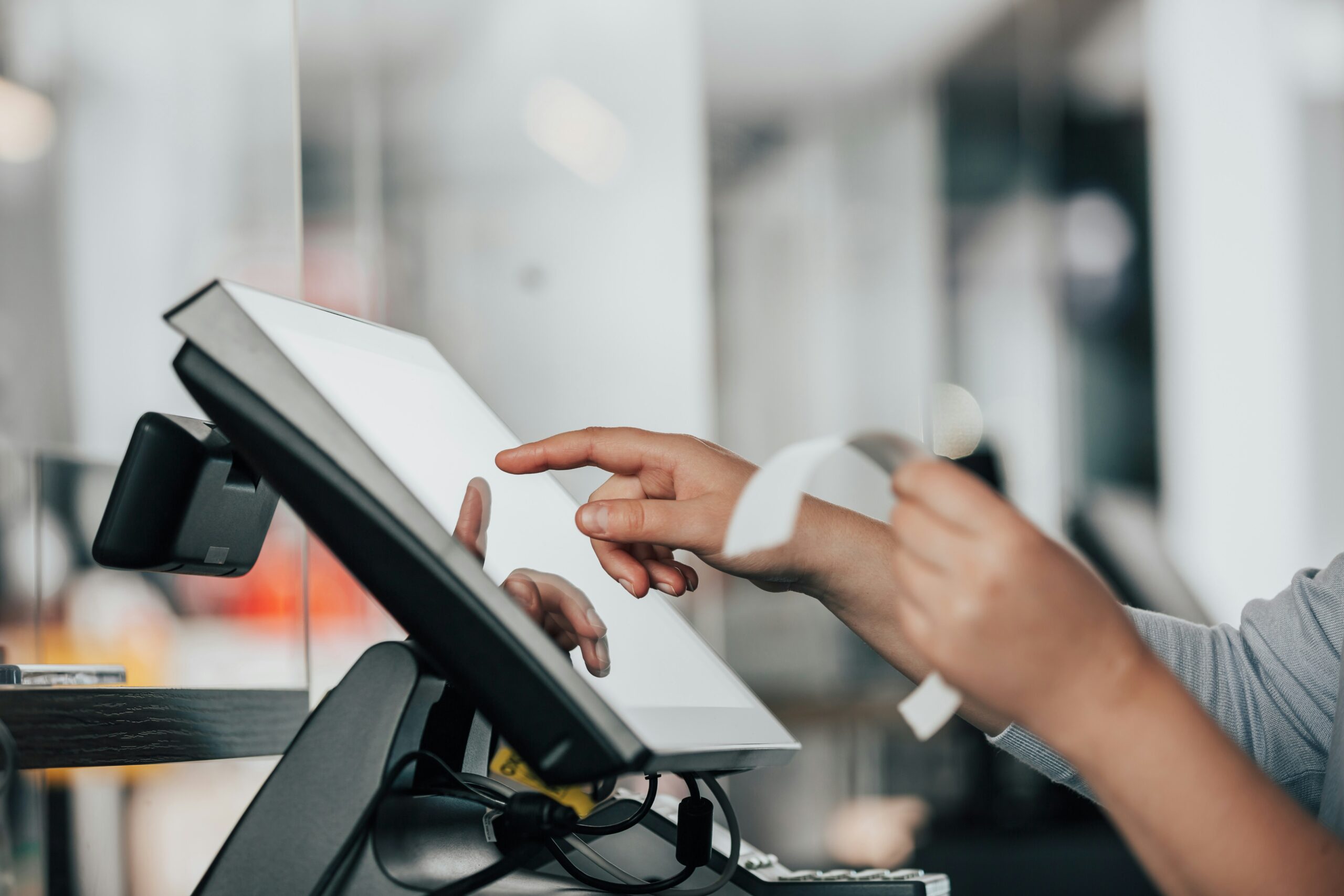
Windows vs. Android POS Systems: Which Is Better for Independent Grocery Stores?
For years, Windows-based point-of-sale systems were the standard in grocery and retail environments. They powered cash registers, back-office systems, and inventory management across thousands of stores.
Today, however, many independent grocers are reevaluating whether traditional Windows POS systems still make sense. Modern Android-based POS platforms are becoming increasingly popular thanks to their simplicity, lower hardware costs, cloud connectivity, and ease of management.
If you’re considering a new POS system, understanding the differences between Windows and Android platforms can help you make the right decision for your store.
What Is a Windows-Based POS System?
A Windows POS system runs on Microsoft Windows operating systems, typically using traditional desktop-style hardware.
These systems often require:
- Dedicated servers or local infrastructure
- Regular operating system updates
- Antivirus software
- Manual backups
- More complex hardware configurations
Many legacy grocery POS providers still use Windows-based architectures because they were built years ago when cloud technology was less common.
What Is an Android-Based POS System?
An Android POS system operates on Google’s Android operating system, similar to what powers many smartphones and tablets.
Modern Android POS platforms are typically:
- Cloud-based
- Serverless
- Easier to deploy
- Designed with touchscreen-first interfaces
- Managed remotely
Rather than relying on local servers and complicated networks, Android POS systems often allow retailers to access data and manage stores from anywhere with an internet connection.
1. Ease of Use
One of the biggest advantages of Android POS systems is user experience.
Most employees are already familiar with smartphones and tablets. As a result, Android-based interfaces often feel intuitive from day one.
Android Advantages
- Modern touchscreen interface
- Faster employee training
- Simplified workflows
- Familiar navigation patterns
Windows Challenges
- More complex menus
- Older interface designs
- Longer training periods
- Greater risk of user error
For stores dealing with employee turnover, reducing training time can have a significant impact on operations.
2. Hardware Costs
Hardware is often a major factor when evaluating POS systems.
Traditional Windows systems generally require more expensive components and infrastructure.
Windows POS Costs May Include:
- Windows licenses
- Dedicated servers
- Workstations
- Ongoing maintenance
Android POS Benefits:
- Lower-cost hardware options
- No Windows licensing fees
- Reduced infrastructure requirements
- Simpler deployment
Many retailers find Android systems allow them to add new lanes or replace equipment at a lower overall cost.
3. System Maintenance
Maintaining a POS system should not require constant IT support.
Windows environments often demand ongoing attention for:
- Security patches
- Operating system updates
- Driver updates
- Server maintenance
- Antivirus management
Android-based POS systems generally streamline much of this process.
Android Benefits:
- Automatic updates
- Cloud-managed environments
- Reduced local maintenance
- Fewer moving parts
This allows store owners and managers to focus more on operations and less on technology troubleshooting.
4. Reliability and Uptime
POS downtime can quickly impact customer service and revenue.
Modern Android POS systems are designed specifically for retail environments and often include cloud-based redundancy and remote management tools.
Windows systems can be highly reliable, but they often depend on:
- Local servers
- Internal networks
- Additional software dependencies
The more components involved, the more opportunities there are for something to fail.
For retailers seeking simplicity, Android often provides a cleaner and more streamlined architecture.
5. Security
Security remains a top priority for every retailer.
Windows systems have historically been frequent targets for malware and ransomware attacks due to their widespread use.
While no platform is immune to security threats, Android POS systems often benefit from:
- Application sandboxing
- Centralized software management
- Cloud-based security updates
- Reduced exposure to traditional desktop malware
The best POS providers also maintain PCI-compliant payment environments and actively monitor security updates across their platform.
6. Scalability
As your business grows, your POS system should grow with it.
Adding additional stores or checkout lanes can be more complicated with legacy Windows systems that rely on local infrastructure.
Cloud-based Android POS platforms typically make expansion easier by allowing operators to:
- Add new locations quickly
- Manage multiple stores remotely
- Access reporting from anywhere
- Standardize settings across locations
For retailers planning future growth, scalability can become a major advantage.
7. Remote Management and Visibility
Today’s store owners expect access to their business at all times.
Modern Android-based POS systems often provide cloud dashboards that allow operators to:
- View sales in real time
- Monitor inventory
- Track labor
- Manage pricing
- Review reports remotely
Many traditional Windows systems were built before remote management became a priority, making these capabilities more difficult or expensive to implement.
Which POS Platform Is Right for Your Store?
Both Windows and Android POS systems can process transactions and manage retail operations. The real question is which platform best supports the future of your business.
A Windows-based POS may make sense for retailers who already have substantial infrastructure investments and are comfortable managing traditional IT environments.
An Android-based POS is often the better choice for independent grocers looking for:
- Simpler technology
- Lower maintenance requirements
- Faster employee training
- Cloud-based management
- Lower hardware costs
- Easier scalability
As the retail industry continues moving toward cloud-first solutions, Android POS systems are becoming the preferred platform for many independent grocery operators.
Looking for a Modern Grocery POS?
BasketPOS was built specifically for independent grocers and small chains. Our Android-based, cloud-native platform helps retailers simplify operations, manage inventory more efficiently, and gain real-time visibility into their business from anywhere.
Contact us today to see how a modern Android POS can help future-proof your store. Schedule a 15-minute walkthrough.