
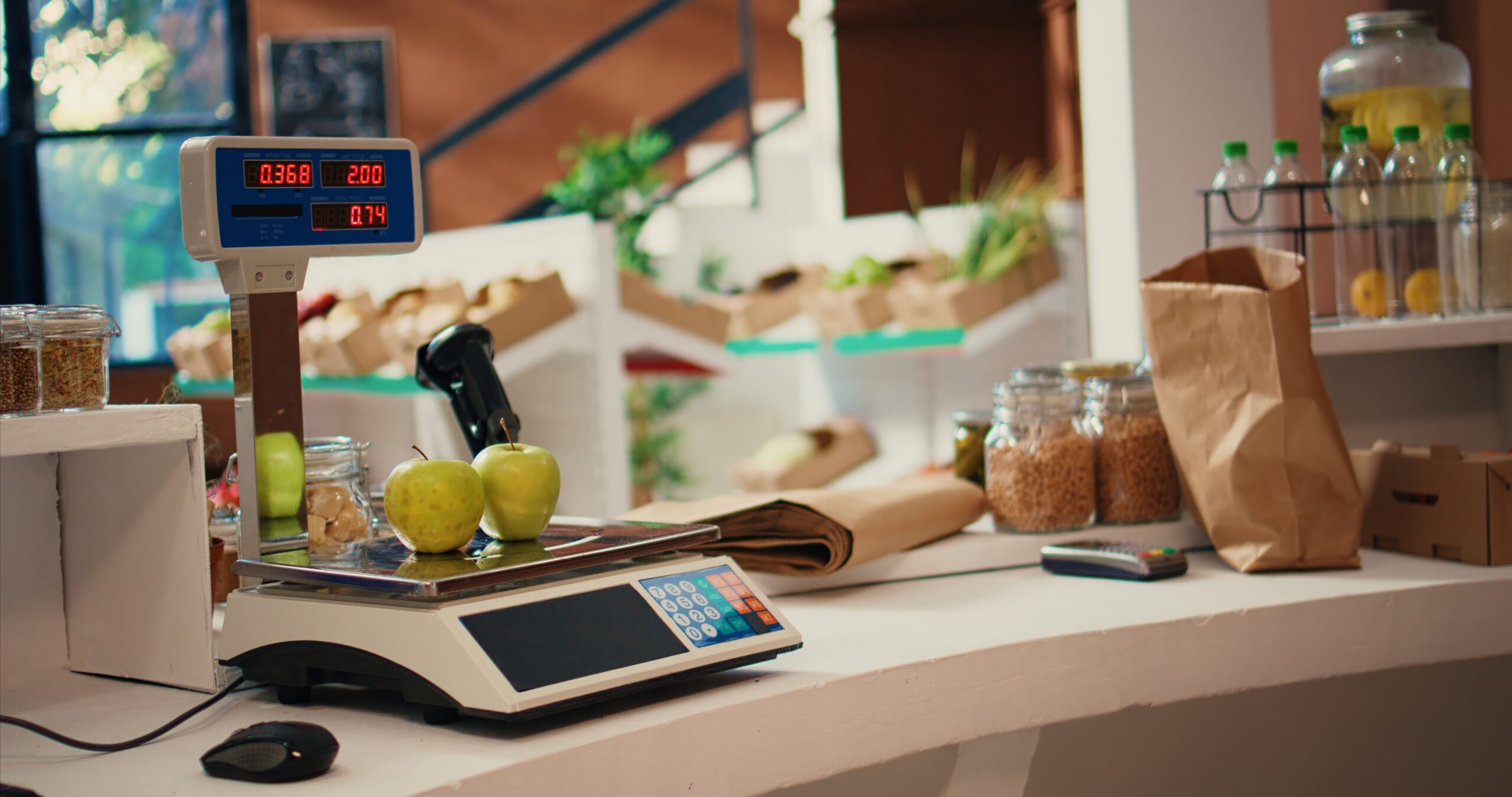
How Grocery Store POS Systems Handle Weighted Items and Produce
Grocery stores sell a wide variety of products, and not every item can be priced the same way. While packaged products typically have a fixed price and barcode, products such as fruits, vegetables, meats, and bulk goods are often sold by weight.
A grocery store POS system needs to be able to accurately identify these products, calculate their price based on weight, process the transaction, and keep inventory records up to date.
In this article, we’ll explain how grocery store POS systems handle weighted items and produce and why having the right hardware and software is important for accurate checkout and inventory management.
What Are Weighted Items?
Weighted items are products that are sold based on their weight rather than a fixed unit price.
Common examples include:
-
Fresh produce
-
Deli items
-
Meat and seafood
-
Bulk foods
-
Bakery products
-
Cheese
-
Nuts and other specialty items
Instead of charging a fixed price for each item, the POS system calculates the total based on the item’s weight and price per pound.
For example, if apples are priced at $2.49 per pound and a customer purchases 2.25 pounds, the POS system calculates the total price automatically.
This makes accurate weight measurement an important part of the checkout process.
How PLUs Work With Produce
Many grocery stores use Price Look-Up (PLU) codes to identify produce and other items that may not have a traditional barcode.
A PLU code allows the cashier to quickly identify the product and apply the correct pricing information. The POS system can use the PLU to determine whether the item is sold by weight or by quantity, as well as the appropriate price.
For example, a cashier may enter a PLU code for a particular type of apple. The POS system then identifies the product and applies its current price per pound.
This eliminates the need for cashiers to manually enter product names and prices and helps reduce pricing errors at checkout.
Using Scanner Scales at Checkout
Scanner scales combine weighing and scanning capabilities into one piece of hardware.
When a customer purchases a weighted item, the scale measures the product’s weight while the POS system identifies the item and retrieves its pricing information.
The POS system can then calculate the total automatically.
For example:
Product: Gala Apples
Price: $2.49/lb
Weight: 2.25 lbs
Total: $5.60
The process happens quickly at checkout, allowing cashiers to process weighted items without manually calculating the price.
For grocery stores, integrating the scale directly with the POS can help create a faster and more consistent checkout experience.
How Weighted Items Affect Inventory
Accurate inventory management is especially important for products sold by weight.
When a customer purchases a packaged product, the POS system can typically deduct one unit from inventory. Weighted products work differently because the amount sold can vary from transaction to transaction.
For example, a store may have 100 pounds of apples available at the beginning of the day. If customers purchase 2.25 pounds, 1.5 pounds, and 3 pounds throughout the day, the inventory system needs to account for the actual amount sold.
A POS system that properly tracks weighted sales can provide a more accurate picture of inventory levels.
This information can help store managers make better purchasing decisions and identify potential inventory discrepancies.
Why Accurate Pricing Matters
Pricing errors can quickly become a problem when a store sells hundreds or thousands of weighted items each day.
If prices are entered manually or aren’t properly synchronized between the scale and POS system, stores may encounter:
-
Incorrect customer charges
-
Inventory discrepancies
-
Checkout delays
-
Pricing complaints
-
Additional work for employees
Keeping product information and pricing centralized within the POS helps ensure that the correct price is applied during checkout.
Common Challenges With Weighted Items
Managing weighted products can create several challenges for grocery stores, especially when using outdated or disconnected systems.
Some common problems include:
Manual Price Entry
Manually entering prices or weights creates additional work for cashiers and increases the possibility of human error.
Outdated Pricing
If pricing isn’t updated consistently across the POS and scales, customers may be charged the wrong amount.
Inventory Discrepancies
When weighted sales aren’t properly recorded, inventory counts can become inaccurate.
Slow Checkout
Employees may have to spend additional time looking up products, entering PLUs, or manually calculating prices.
Difficult Reporting
If weighted items aren’t properly categorized and tracked, it can become more difficult for managers to understand product performance and identify trends.
How BasketPOS Handles Weighted Items
BasketPOS is designed with grocery stores in mind, including the unique requirements of selling products by weight.
BasketPOS can work with compatible scanner scales and supports weighted items through the POS system. Products can be configured with the appropriate pricing and product information so cashiers can quickly process produce and other items sold by weight.
By connecting the POS, scale, product information, and inventory data, grocery stores can streamline the checkout process while maintaining more accurate records.
BasketPOS also provides reporting and inventory tools that allow retailers to better understand what is selling, monitor inventory, and make informed purchasing decisions.
Choosing the Right POS for Weighted Products
When evaluating a POS system for a grocery store, weighted-item support should be an important consideration.
Look for a system that can:
-
Support PLU codes
-
Integrate with compatible scanner scales
-
Calculate prices based on weight
-
Track weighted inventory
-
Update product pricing efficiently
-
Provide reporting for product sales
-
Process weighted items quickly at checkout
A POS system that handles these processes together can reduce manual work for employees and help grocery stores maintain more accurate pricing and inventory information.
Conclusion
Weighted products are an essential part of many grocery stores, but they require more than a standard barcode and fixed price.
From PLU codes and scanner scales to inventory tracking and reporting, a grocery POS system needs to account for the unique way these products are sold.
The right POS system can make the process easier for cashiers, provide a better experience for customers, and give store managers more accurate information about their inventory and sales.
BasketPOS provides grocery-focused POS, inventory management, reporting, and hardware support designed to help independent grocery stores and retailers manage these processes from one system.
Ready to learn more about how BasketPOS can support your grocery store? Contact us today to Schedule a 15-minute walkthrough. and discover how a modern Android POS can help future-proof your business.